Net Promoter Score
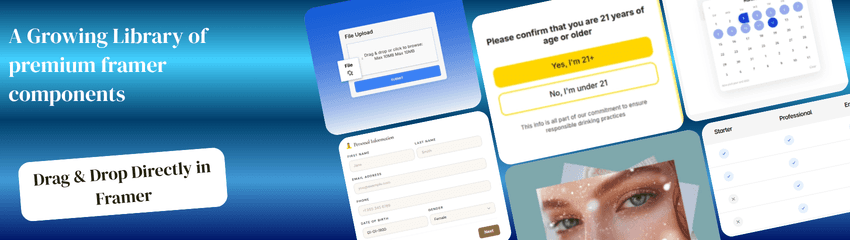
This component is Part of the Essential Components plugin. Browse and insert 30+ components directly in Framer. Start for free
Collect clear, actionable feedback with this fully customizable NPS (Net Promoter Score) input field for Framer. Users select a score from 0 to 10 and can optionally provide an explanation for their choice in a follow-up text area. It’s perfect for surveys, onboarding flows, product feedback, and customer experience forms.
This component is Part of the Essential Components plugin. Browse and insert 25+ ready-to-use components directly in Framer. Get the Plugin
How to Use the Net Promoter Score Component
Copy and paste the component into a Framer Form.The component must live inside a Framer Form. Framer Forms let you send submissions to Email, Google Sheets, or Webhooks (such as Zapier, CRM systems, or any tool of your choice), so your NPS score and feedback go exactly where you need them.
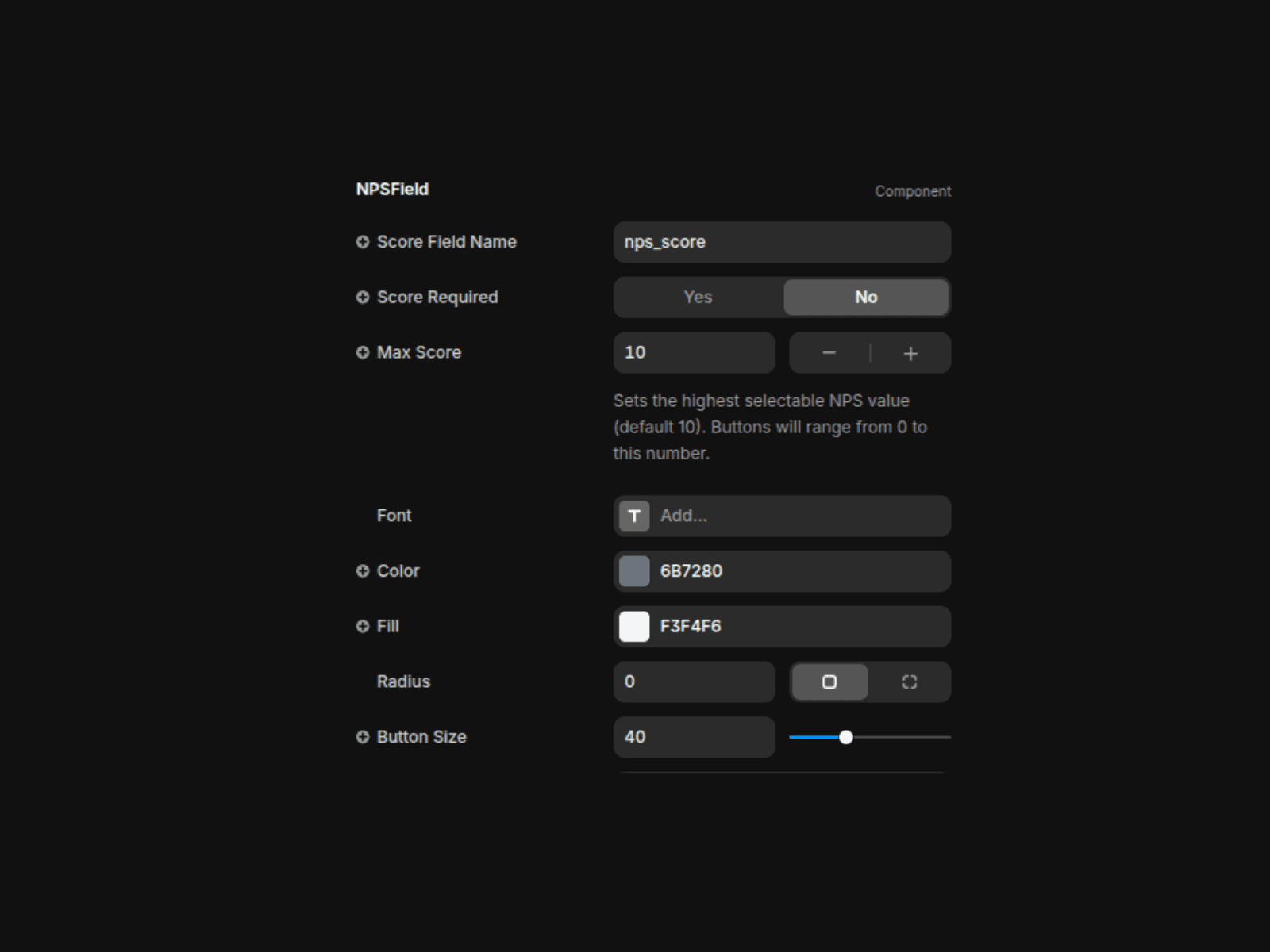
Set the Score Field Name: Match the field name to your form setup so the selected score is captured correctly in your submissions.
Adjust the Max Score: Leave it at 10 for classic NPS, or change it if you want a different scoring range.
Style the Score Buttons: Customize the button text color, background, size, and border radius to match your design.
Design the Selected State: Use the Selected controls to style the active button with its own background, text color, border, and shadow.
Control Spacing and Labels: Set the gap between buttons, the space to the labels, and the score label text color.
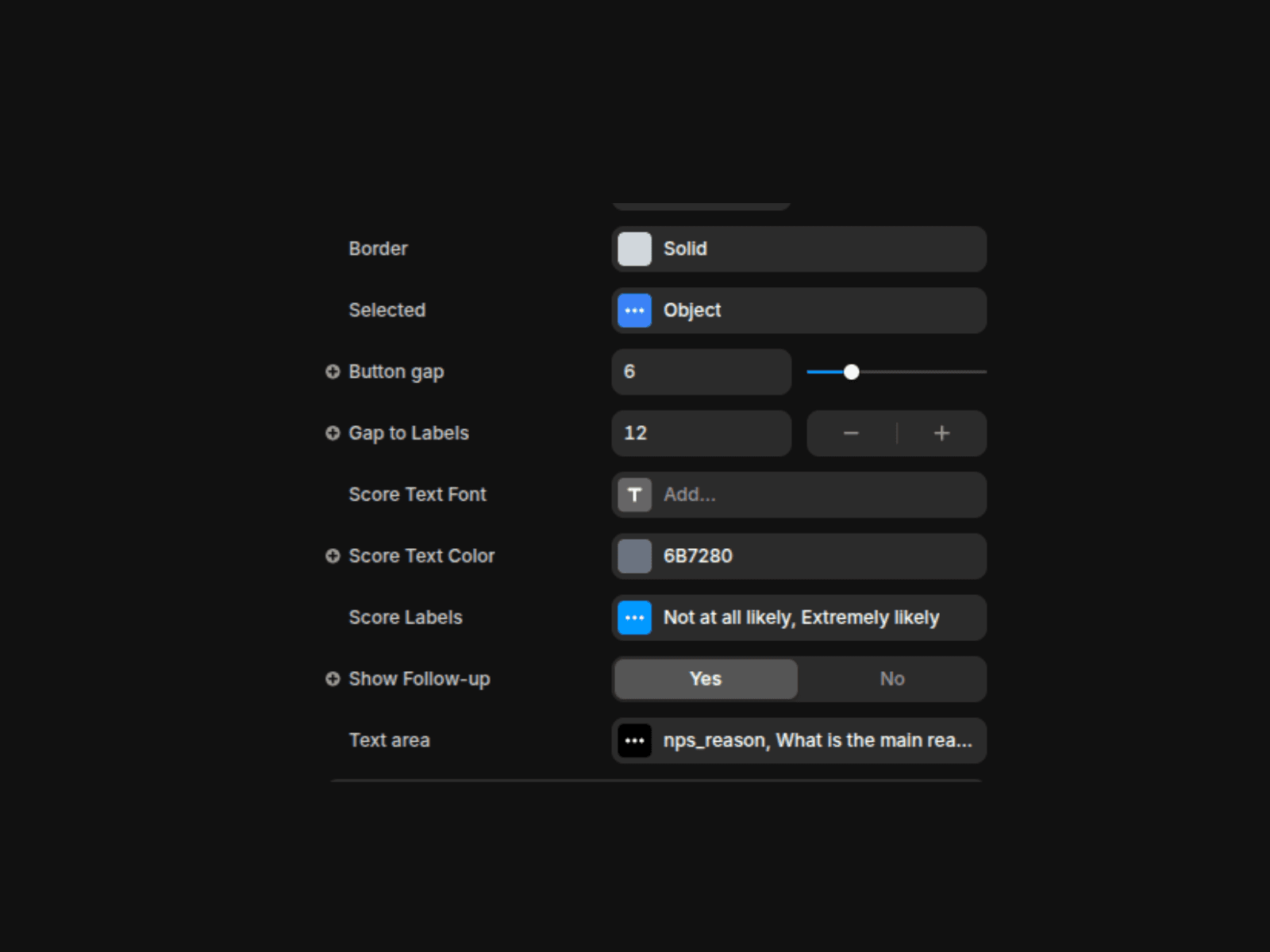
Enable the Follow-Up Text Area: Turn Show Follow-up to Yes if you want to collect written feedback. When enabled, a text area appears after a score is selected so users can explain their choice.
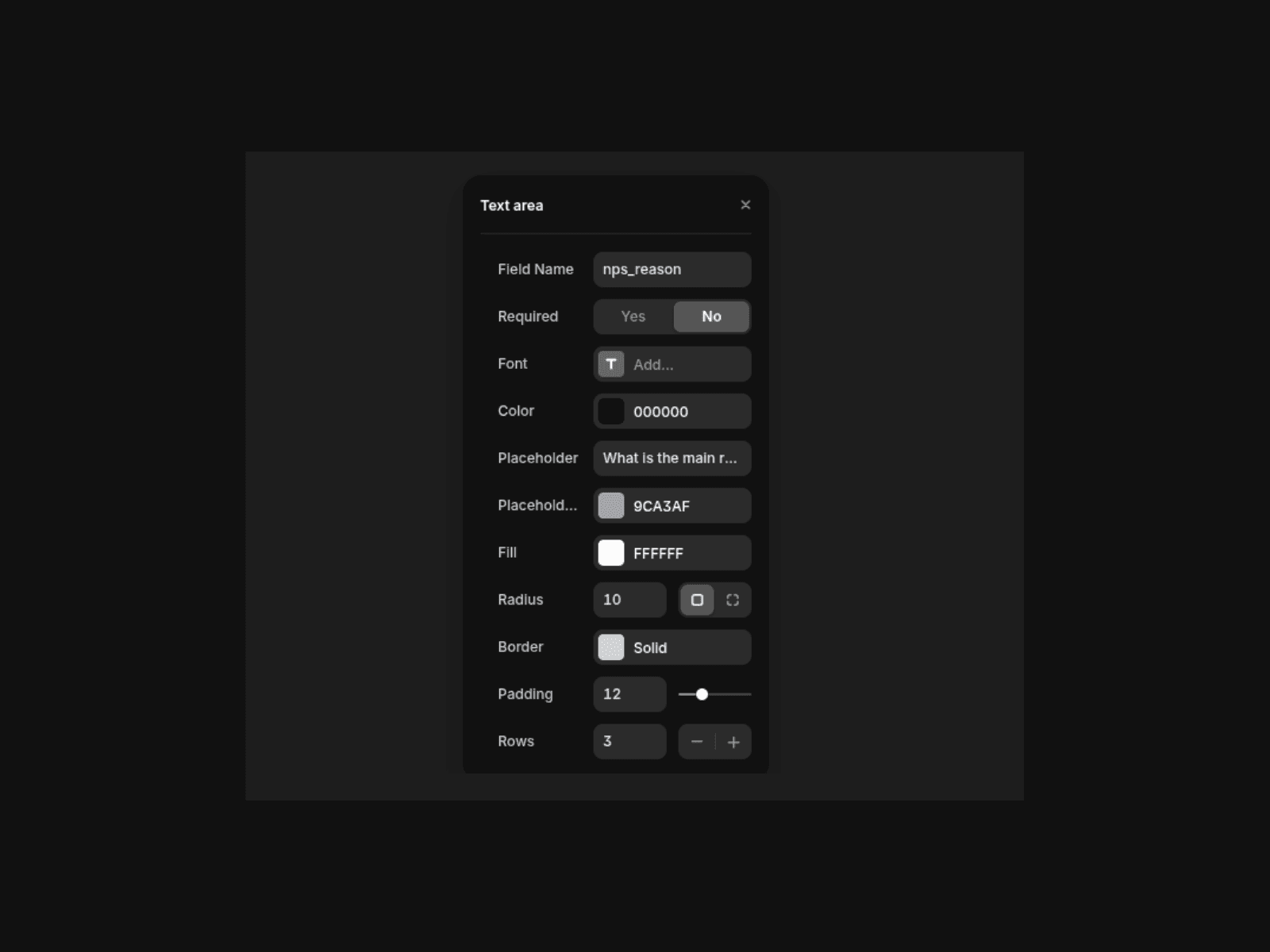
Customize the Text Area: Style the textarea with your own placeholder text, font, colors, border, radius, padding, and number of rows.
Features
Classic 0–10 NPS scoring layout
An optional follow-up textarea appears after selection so users can explain their choice
Fully customizable buttons and selected states• You can customise the score labels (“Not at all likely” → “Extremely likely”) to fit your purpose . You can also customise the color and Font properties• Adjustable spacing and layout
Works with Framer Forms (Email, Google Sheets, Webhooks)• Mobile-friendly and responsive
Use Cases
Product feedback forms
Customer satisfaction surveys
SaaS onboarding feedback
Post-purchase experience tracking
UX and website surveys
Support follow-ups
Client or user research