Multi Step Form Builder
This component is Part of the Essential Components plugin. Browse and insert 30+ components directly in Framer. Start for free

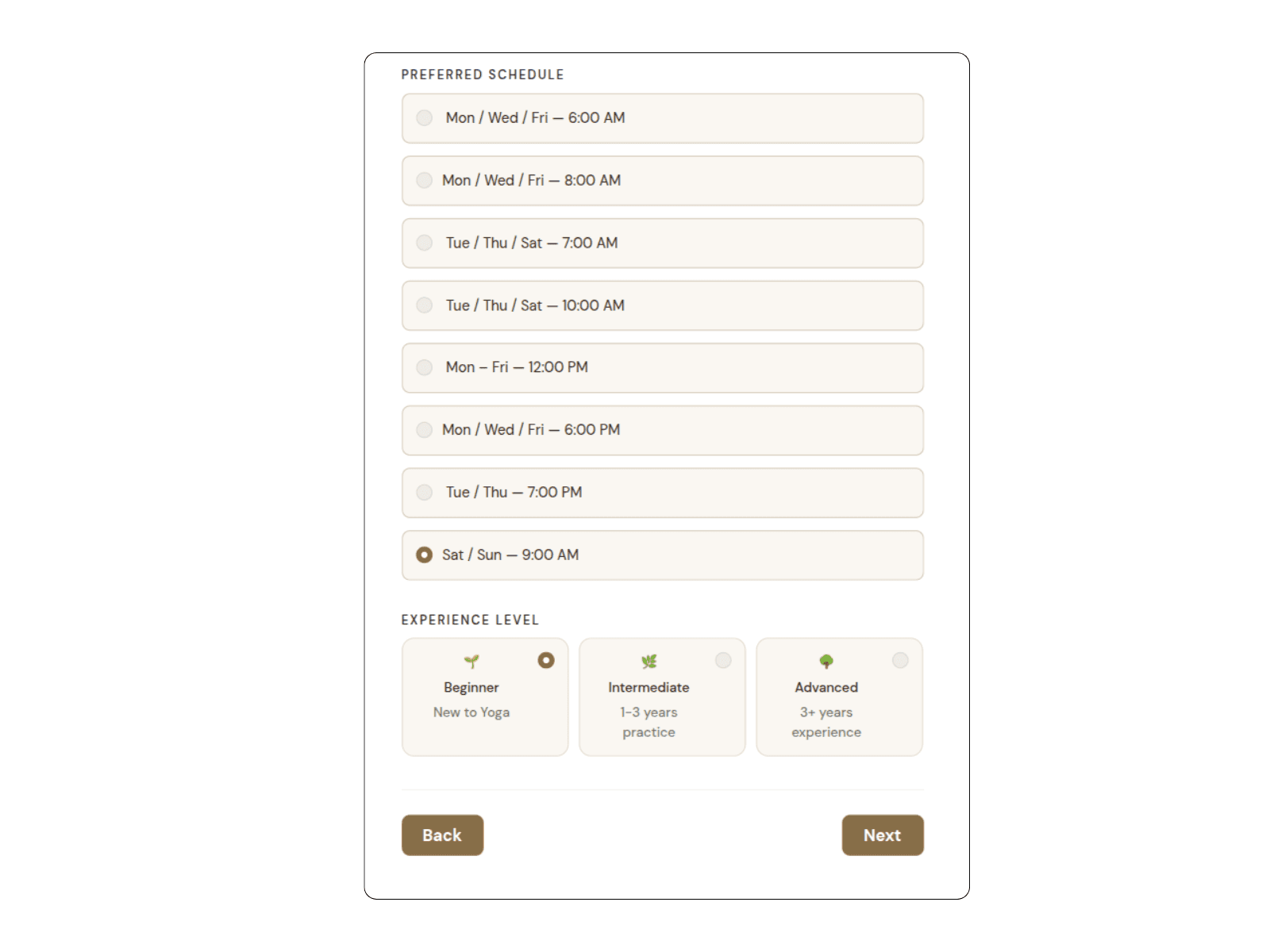
Create structured multi-step forms using Framer’s native form components. This builder transforms a standard form into a guided step-by-step experience while keeping full native submission support.
Also Includes a ready to use Template so you dont have to start from scratch.
What It Does
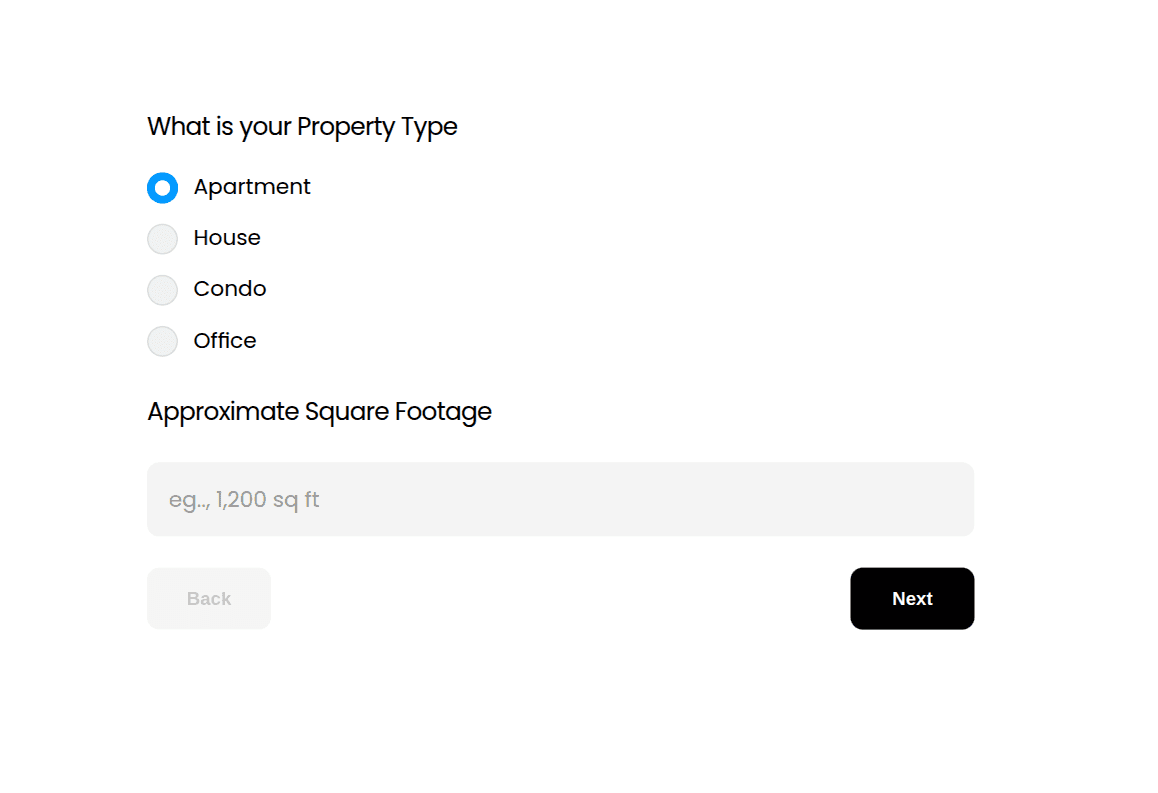
The Step Form Builder converts any native Framer form into a multi-step flow. Instead of overwhelming users with a long single-page form, you can divide your inputs into clearly organized stages.
Each step is displayed one at a time, guiding users through a logical progression. Although the form is visually divided into steps, all data is submitted together as a single, complete entry.
How to Use
The provided component already includes a fully configurable setup:
A native Form component
Pre-built Step stacks (Step 1, Step 2, Step 3…)
The Step Controller component is placed inside the form.
Connected Next and Back buttons for navigation
Before customizing the form:
Click the Step Form and choose Edit on the property panel
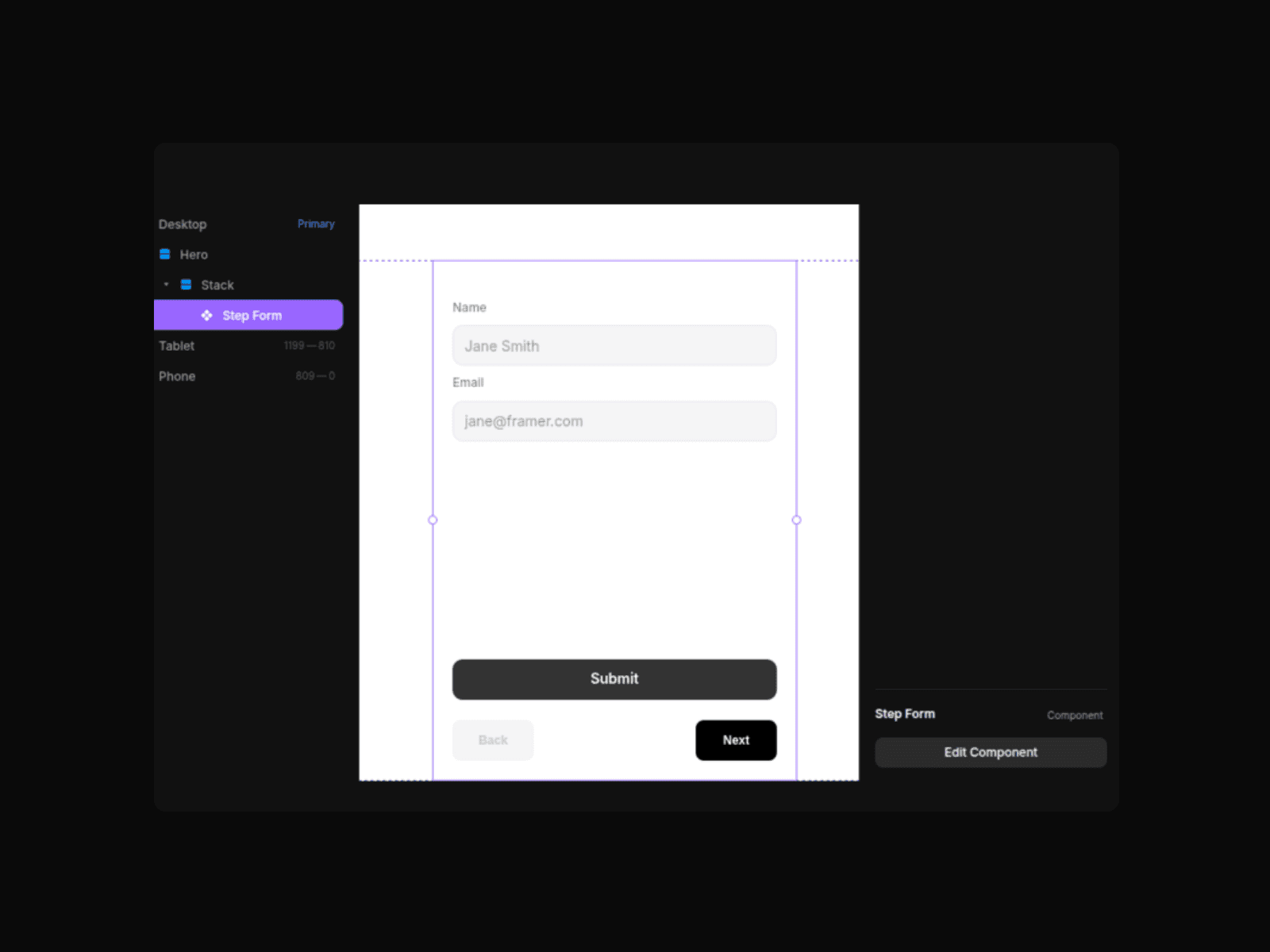
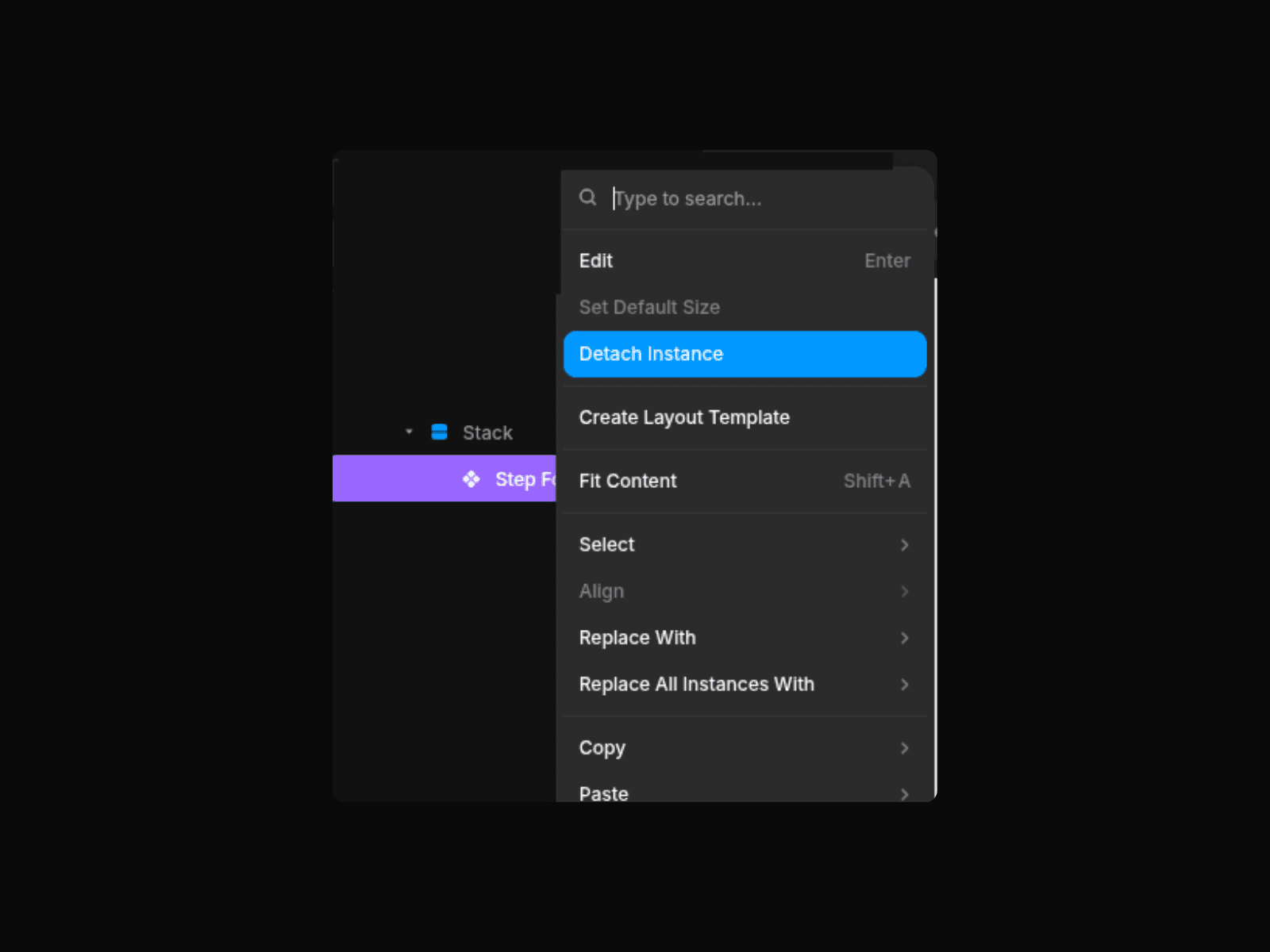
Once you click Edit, unlink the instance. Next, detach the instance (this allows you to see all the steps and also ensures you can create multiple multistep forms without affecting each form)
You should now see all the steps
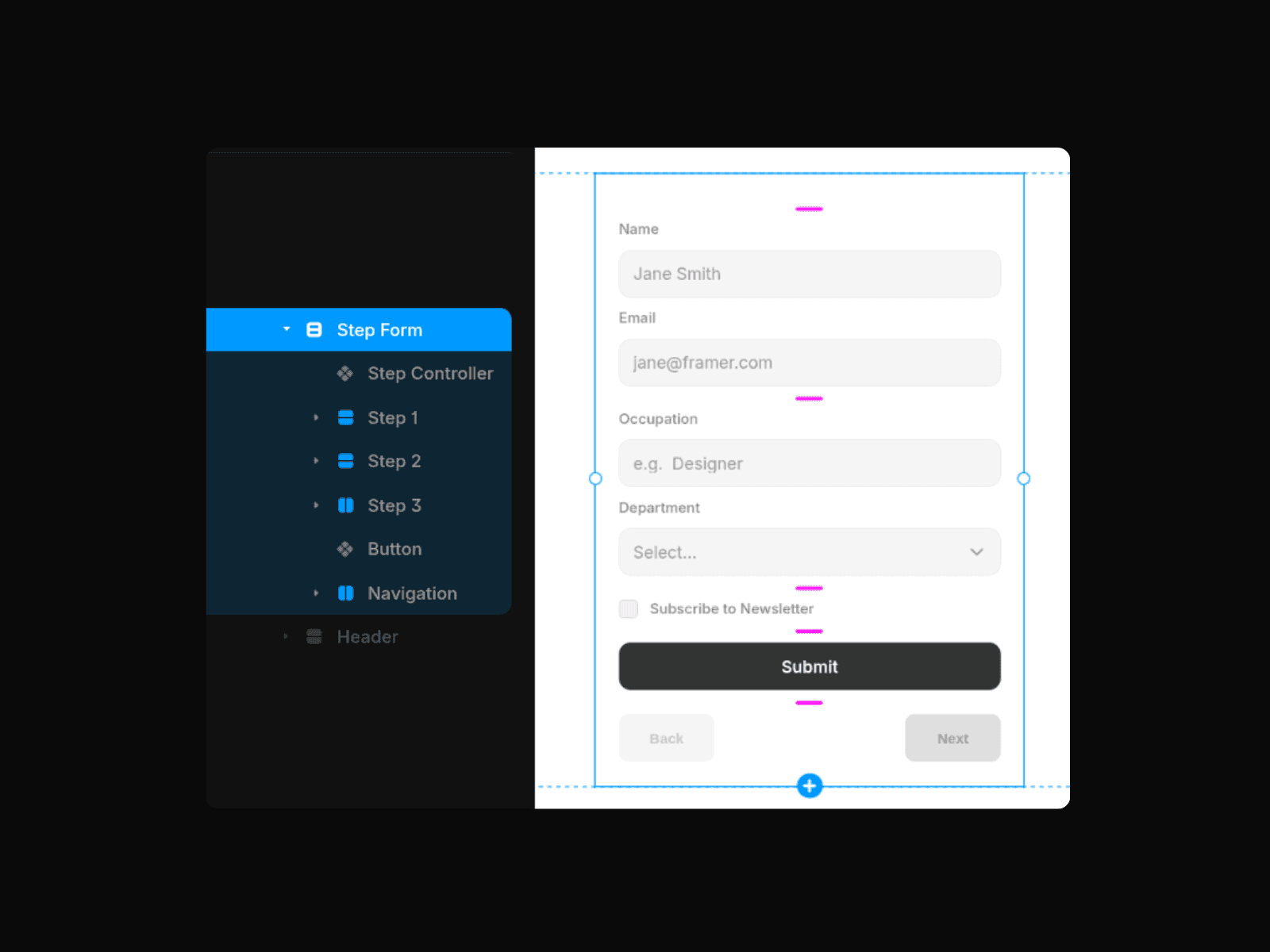
Open each Step stack and replace the placeholder inputs with your own native Framer inputs.
Keep all inputs inside their respective Step container.
Customise the Back and Next buttons to fit your brand
Choose where the data will be sent. Framer allows you to send submissions to Email, Google Sheets, or a custom Webhook (i.e., Zapier, Make, or your own API endpoint)
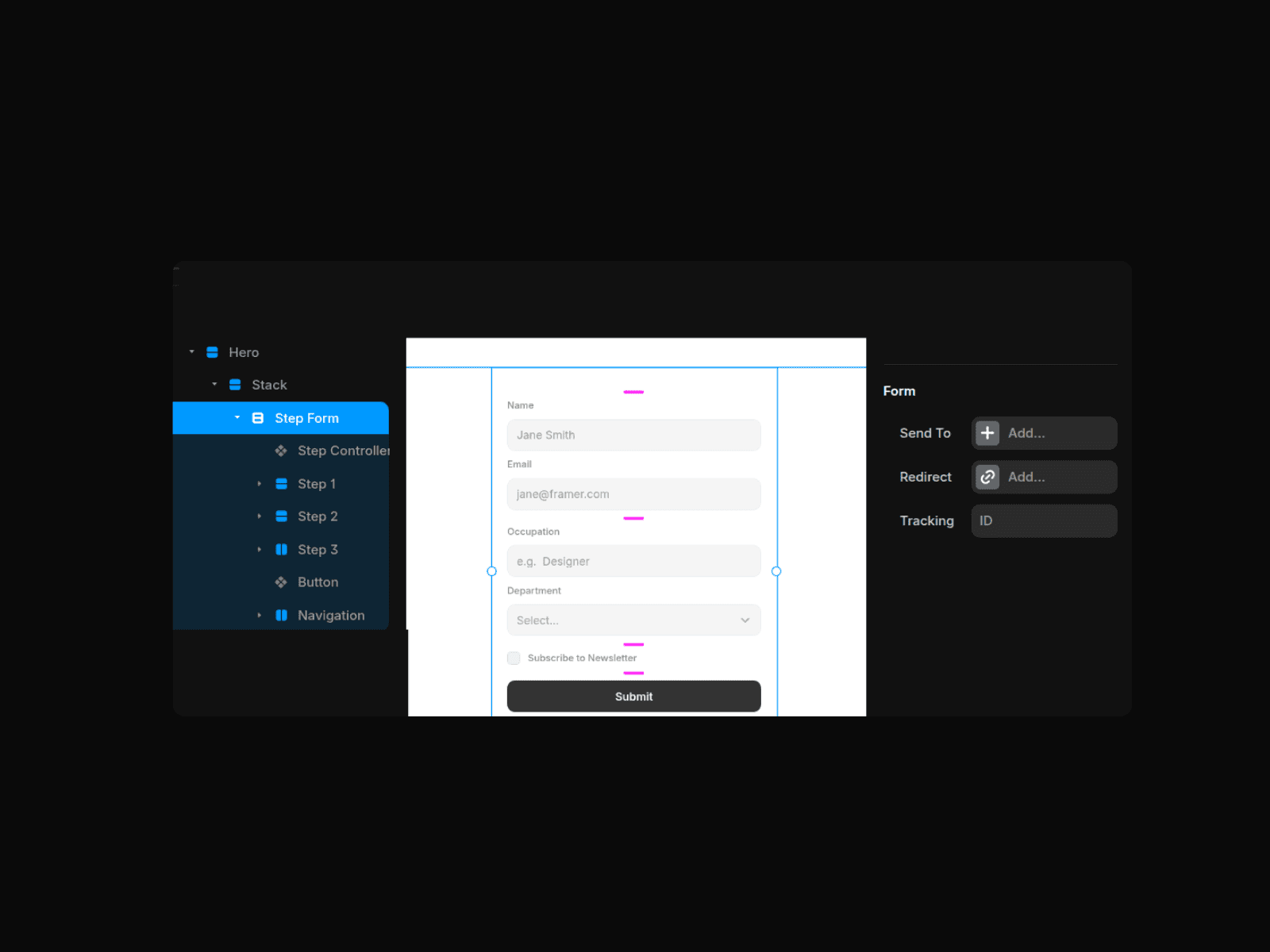
Publish your form to start collecting submissions.
If you are adjusting the structure, ensure:
All Step stacks are inside a Native Framer form.
Each stack is named starting with “Step”.
The step Controllel component and navigation buttons remain inside the Form.
The Submit button is placed outside any Step stack, so it only appears on the final step.
Features
Works with Framer’s native form submission system
Built-in validation prevents users from advancing without completing required fields
Automatic Back/Next state management
Fully customizable buttons
Also Includes a ready to use Template so you dont have to start from scratch.
Use Cases
Ideal for contact forms, onboarding flows, quote requests, surveys, event registrations, job applications, and waitlist signups.