Features Comparison Component
This component is Part of the Comparison Tables plugin. Browse and insert premium comparison tables directly in Framer. Start for free
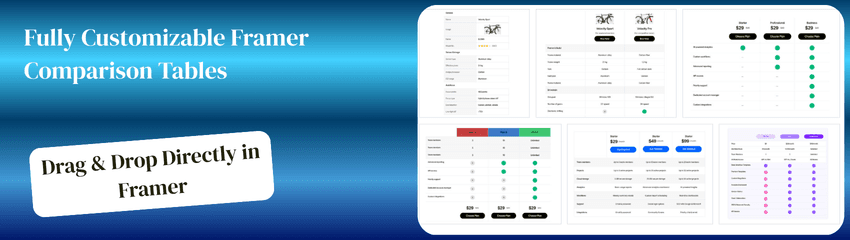
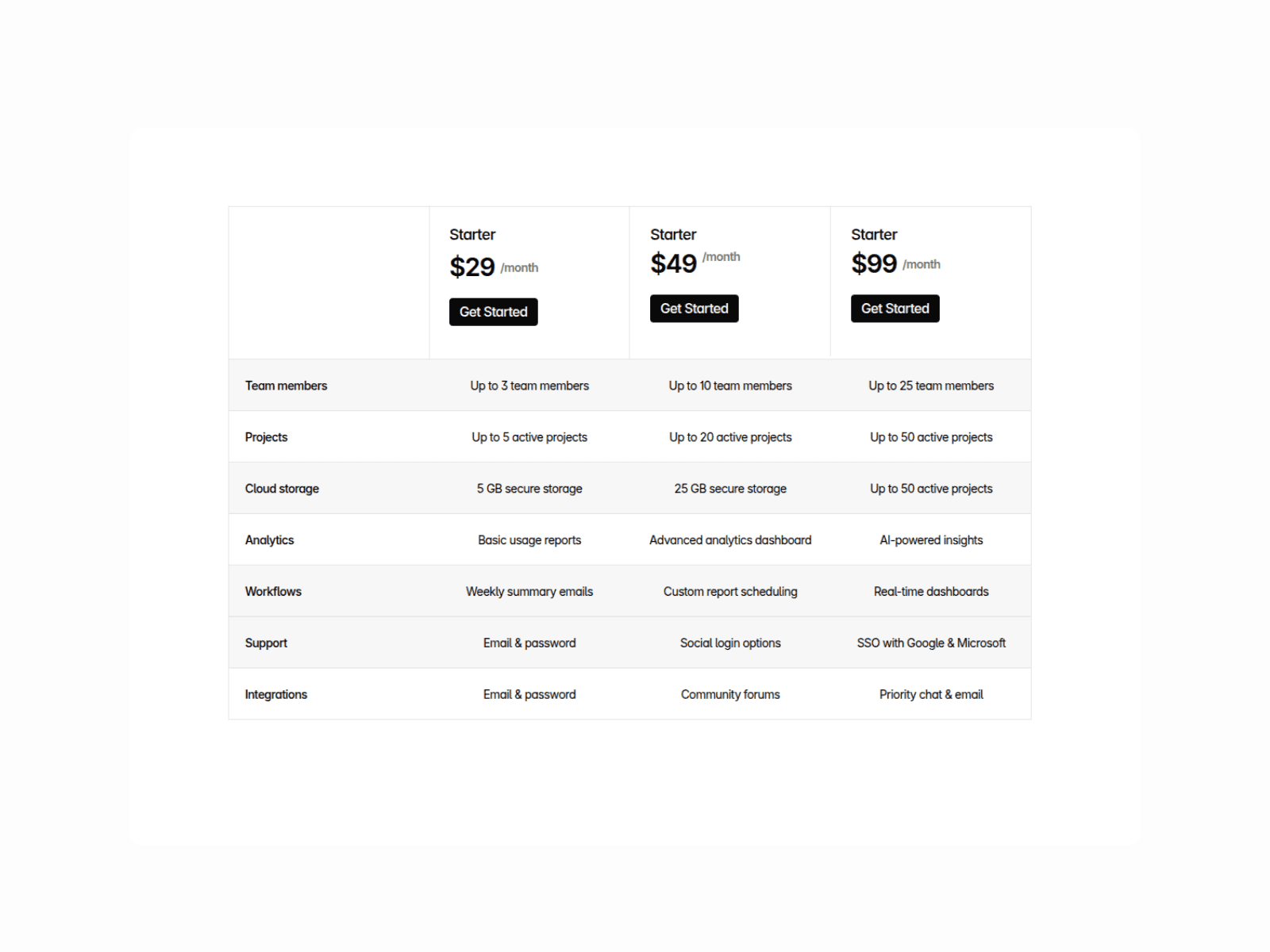
Help users quickly understand your advantage with this powerful, mobile-friendly competitor comparison table. Present your product side by side against competitors and clearly showcase where you stand out.
This component is 100% built with native Framer capabilities, making it easy to customize, extend, and adapt to your workflow , no external dependencies required.
Organize capabilities into structured sections using section titles,
Improve readability with optional alternate row backgrounds, and style the product description area independently to keep your brand visually dominant.
You can freely add, remove, or modify comparison rows to match your product’s evolving feature set.
Designed for clarity and conversion, the table remains easy to scan on desktop and smoothly scrollable on mobile without cutting off content.
Ideal for:SaaS landing pages, product comparison pages, competitive positioning sections, and pricing pages.
How to Use the Component1
Copy the component and paste it onto your page
Set Responsive Layout : Desktop: set a fixed width , Tablet & Mobile: set width to Fill .
Product Names :Update Product A, Product B, etc., to match your product and competitors.
Customize section header backgrounds
Section Titles: Use section headers to group related capabilities (e.g., Collaboration, Security, Integrations).
Comparison Rows: Rename each row to reflect the capability you're comparing. You can also add or remove rows as needed.
Availability Indicators:Toggle checkmarks and Xs in the properties panel to show what you support vs competitors.
Background Styling: Enable alternate row backgrounds for better scanability
Preview & Publish: Click Preview to see it live